


⚡️BUY 1 FREE 1 ⚡️USB Wi-Fi Signal Booster - Dual Antenna & 2.4 GHz
⚡️BUY 1 FREE 1 ⚡️USB Wi-Fi Signal Booster - Dual Antenna & 2.4 GHz


✅Guaranteed! GoogleTrusted Store!
✅Paypal and Credit Card secure payment.
🏪PalPay certified reputable merchant.
💵Has paid 100k USD in PayPal as store guarantee
BUNDLE & SAVE
Couldn't load pickup availability
-
Ordered
- - -
Order Ready
- - -
Delivered

⚡️BUY 1 FREE 1 ⚡️USB Wi-Fi Signal Booster - Dual Antenna & 2.4 GHz
Your next favorite find starts here. Discover USB Wi-Fi Signal Booster - Dual Antenna & 2.4 GHz — explore the details and make it yours today.
01 / Extended coverage
Give Your Wi-Fi More Reach.
A weak-signal corner does not have to decide where you sit. This dual-antenna repeater is designed to extend your existing Wi-Fi network toward the spaces you use most.
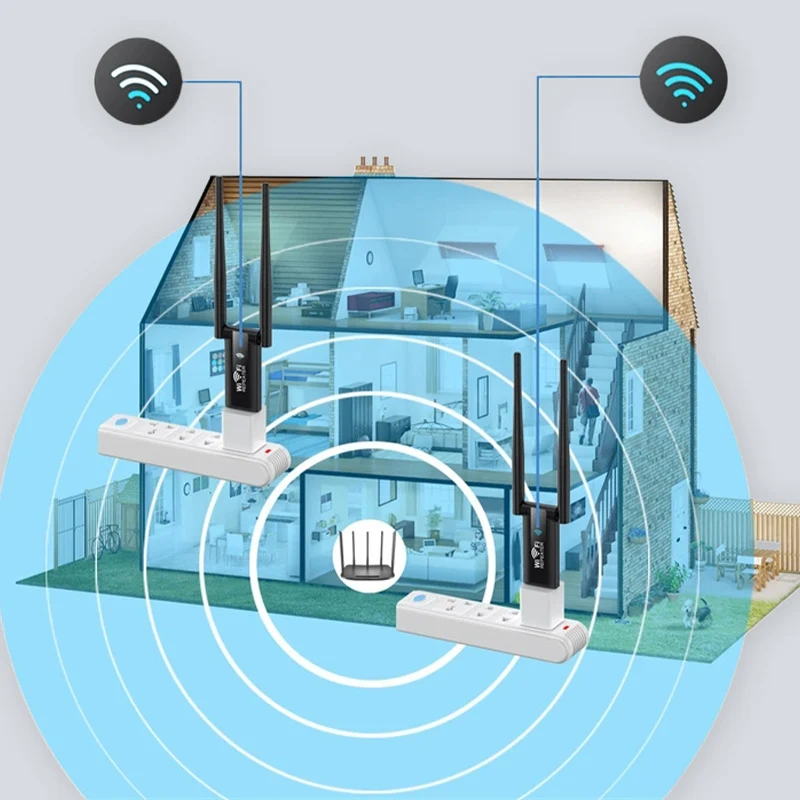
Coverage illustration only. Actual range varies. One booster is included per unit purchased.
02 / Everyday connections
A Little More Room to Connect.
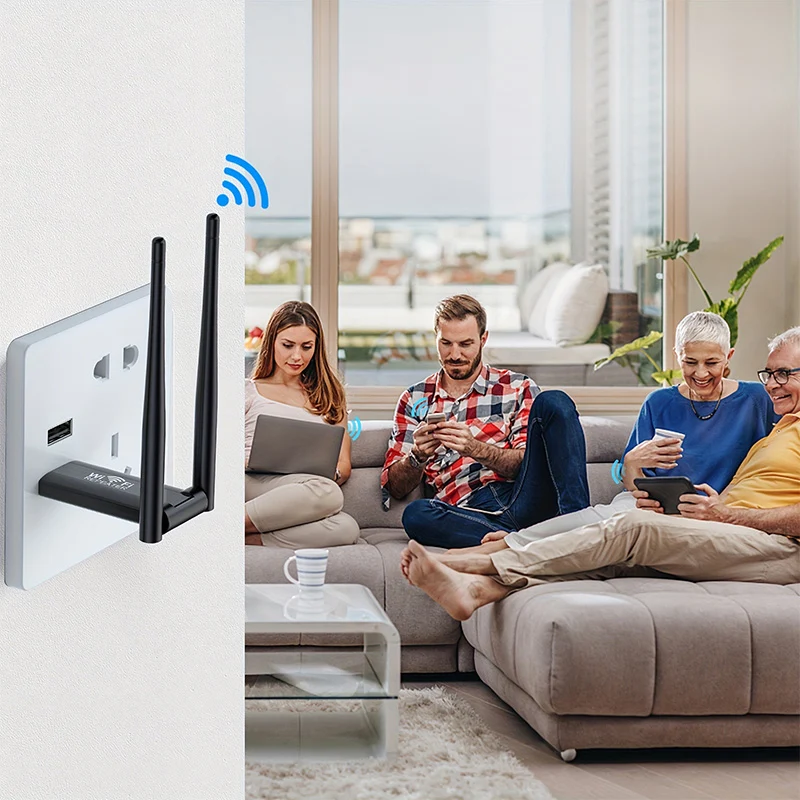
Bring compatible phones, tablets and laptops onto your extended 2.4 GHz network. The advertised wireless link rate is up to 300 Mbps, rather than a guaranteed internet speed.
03 / USB-powered convenience
Power It from a USB Port.
Use a suitable powered 5V USB port on a computer or USB wall adapter. The USB connection supplies power; the repeater connects to your router wirelessly after setup.
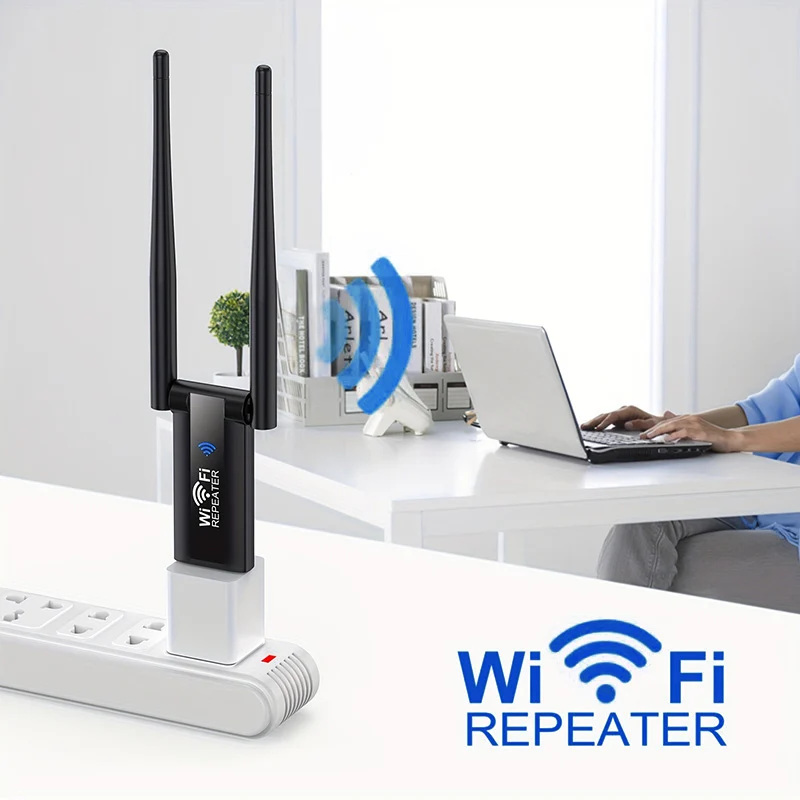
USB wall adapter and other accessories shown are not included.
04 / Compact design
Small Device. Flexible Placement.
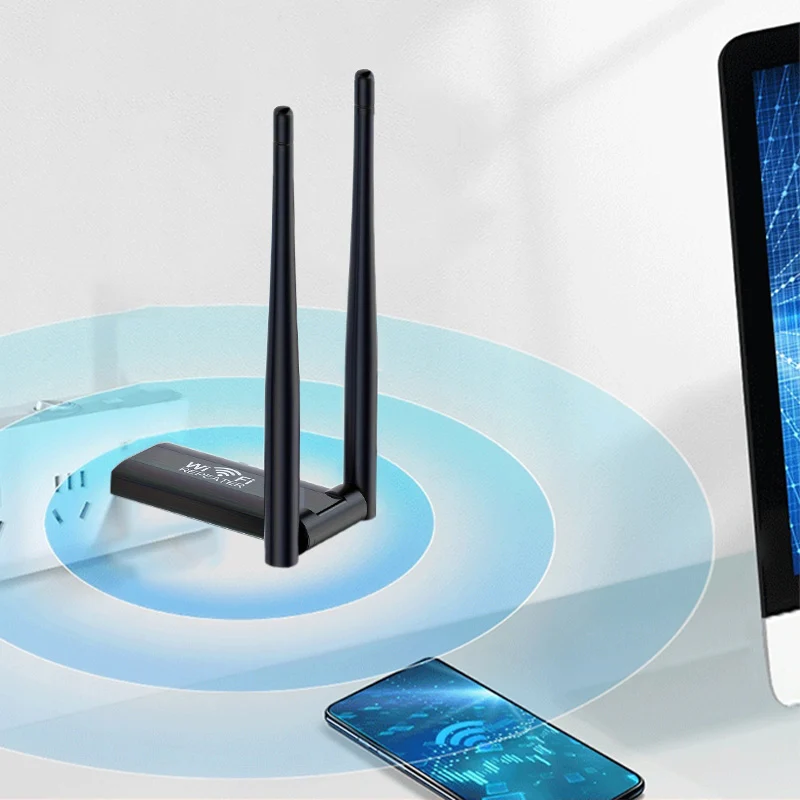
Keep your setup simple with a compact, lightweight design and two external antennas. Choose a powered location where the repeater can still receive a strong router signal.
GET CONNECTED
Four Steps to Get Started.
STEP 01
Power on
Plug the booster into a suitable powered 5V USB port near your router.
STEP 02
Join the setup network
Open your device's Wi-Fi settings and connect to the repeater network, typically named Repeater-XXXXXX.
STEP 03
Open the setup page
Follow the setup prompt. If it does not appear, enter 192.168.11.1 in your browser. Follow the device instructions if the address differs.
STEP 04
Connect and reposition
Select your existing Wi-Fi network, enter its password and complete setup. Then test a location between your router and the weak-signal area.
The Details That Matter.
Product type |
USB Wi-Fi signal repeater |
|---|---|
Wireless band |
2.4 GHz |
Maximum wireless link rate |
Up to 300 Mbps |
Power input |
5V USB |
Antenna design |
Two external antennas |
Operating mode |
Repeater |
Controls and indicators |
Reset button and LED indicators |
Wireless security |
WPA/WPA2, including PSK modes |
What's Included
1 x USB-powered Wi-Fi signal booster. Routers, USB power adapters and other devices pictured are not included.
A Better Spot Makes a Difference.
Start roughly halfway between your router and the area that needs coverage, while staying within a strong router signal. Avoid enclosed cabinets, thick barriers and large metal objects. Test nearby positions before settling on a spot. Keep the device clean and free from dust.
Before You Plug In.
Will this replace my router or provide free internet?
No. A repeater extends an existing network. You still need a compatible router, an internet connection and permission to use that network.
Can I use it with a 5 GHz-only network?
This model is specified for 2.4 GHz. Make sure your router has a compatible 2.4 GHz network available before ordering.
Will I receive 300 Mbps everywhere?
No. The advertised rate describes the wireless link, not a promised download speed. Actual performance depends on your internet plan, router, placement, interference and connected devices. Repeating a wireless signal can reduce throughput.


